Control your lights. Native to Windows.
A Philips Hue client for Windows, built with WinUI 3 for a fast, native experience.
Features
What you can do with Hue Companion.
Rooms, Zones & Lights
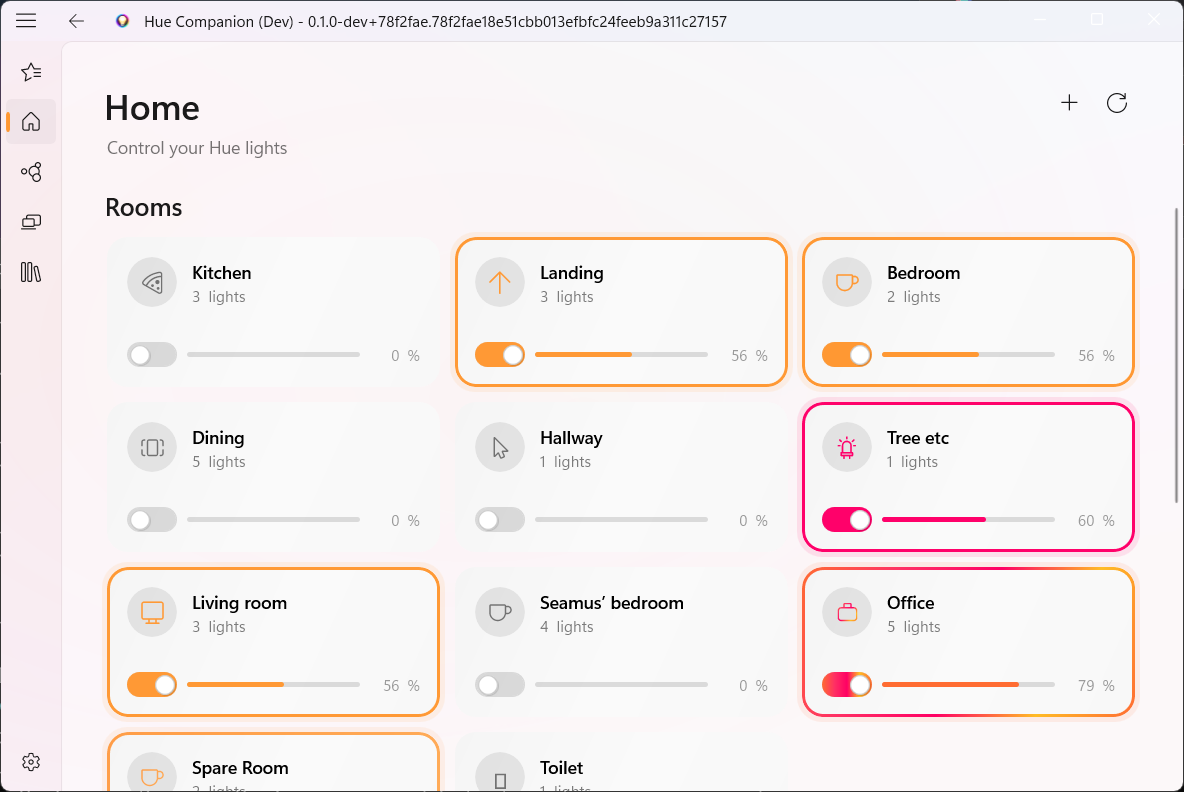
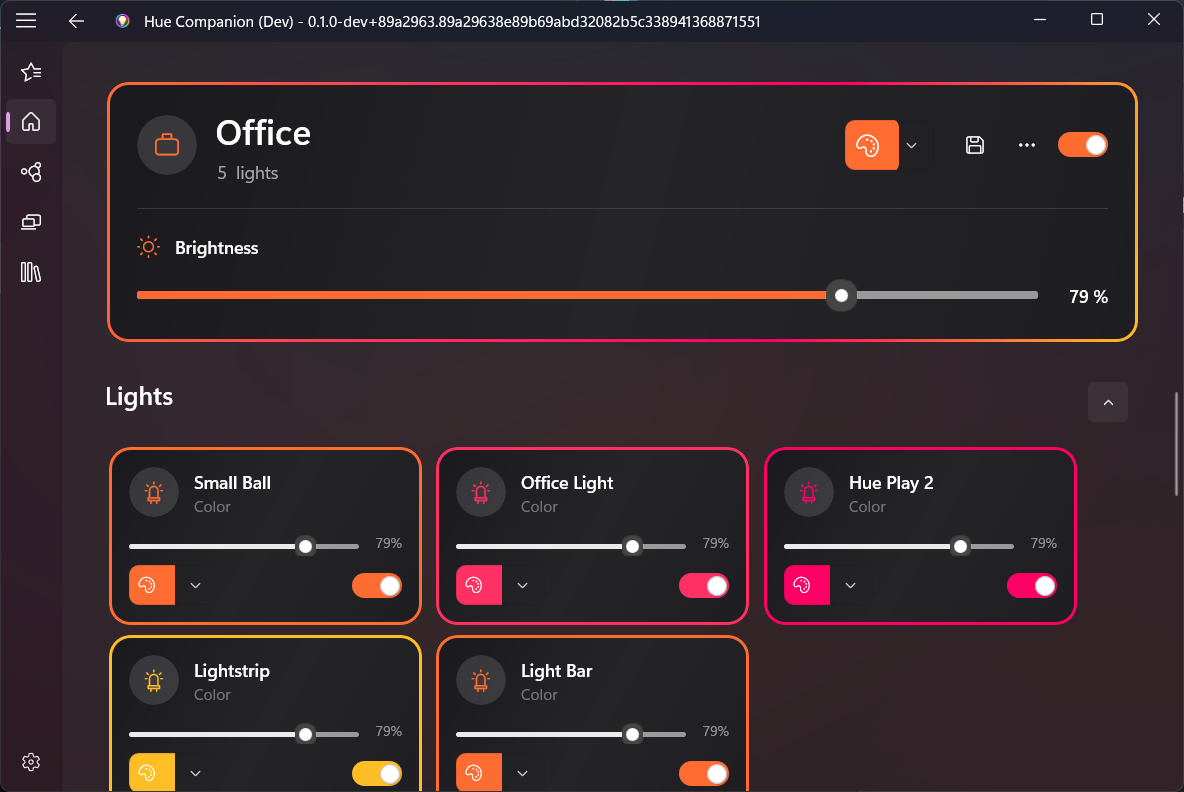
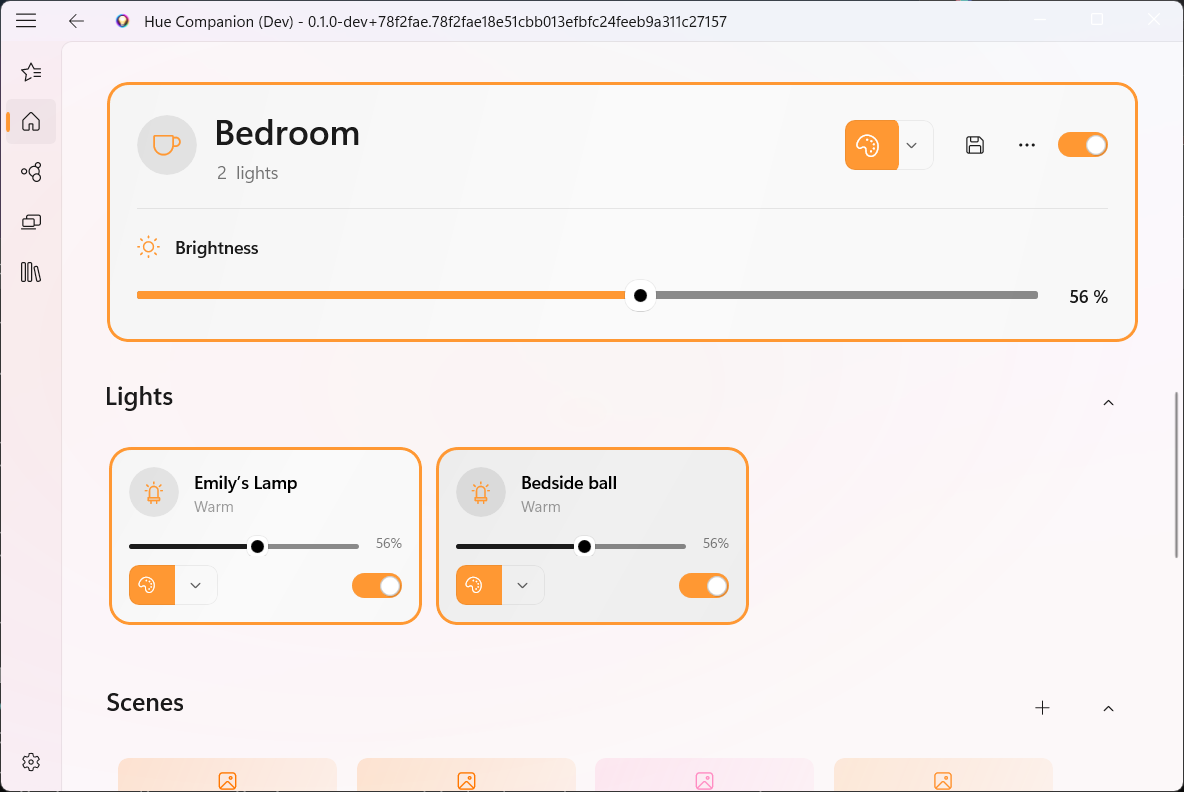
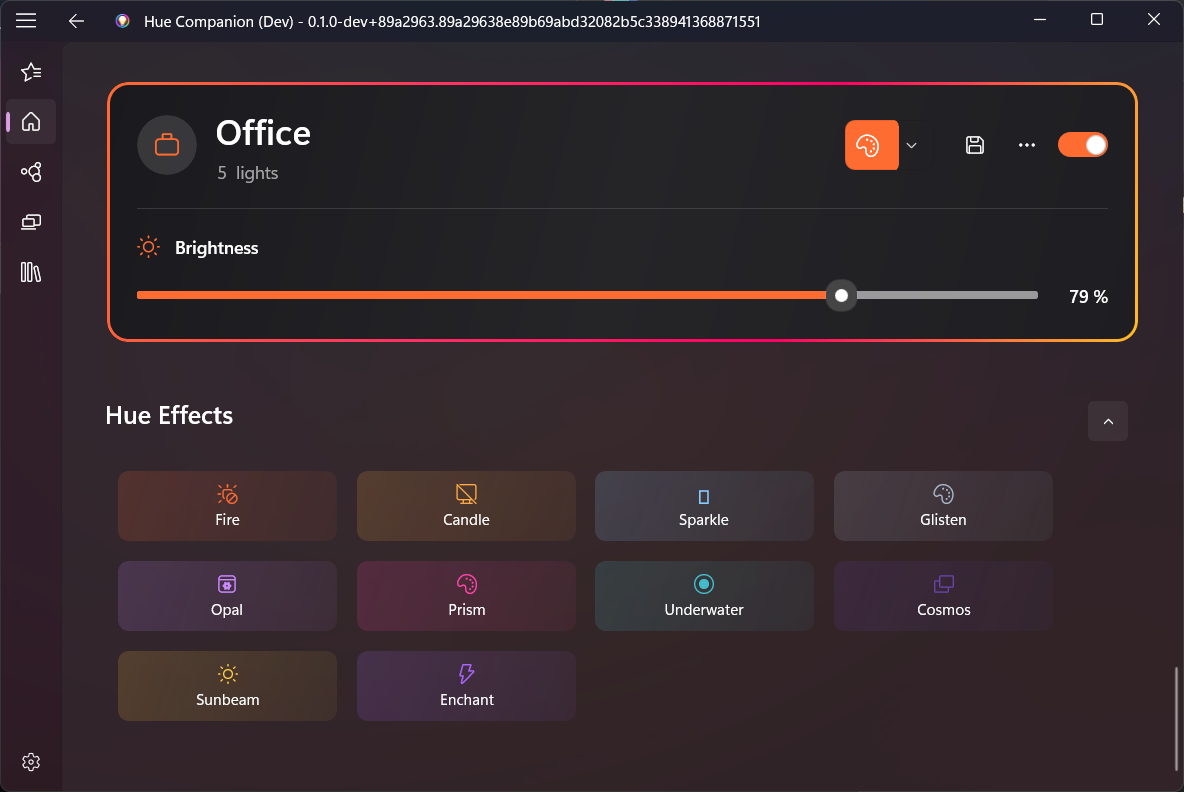
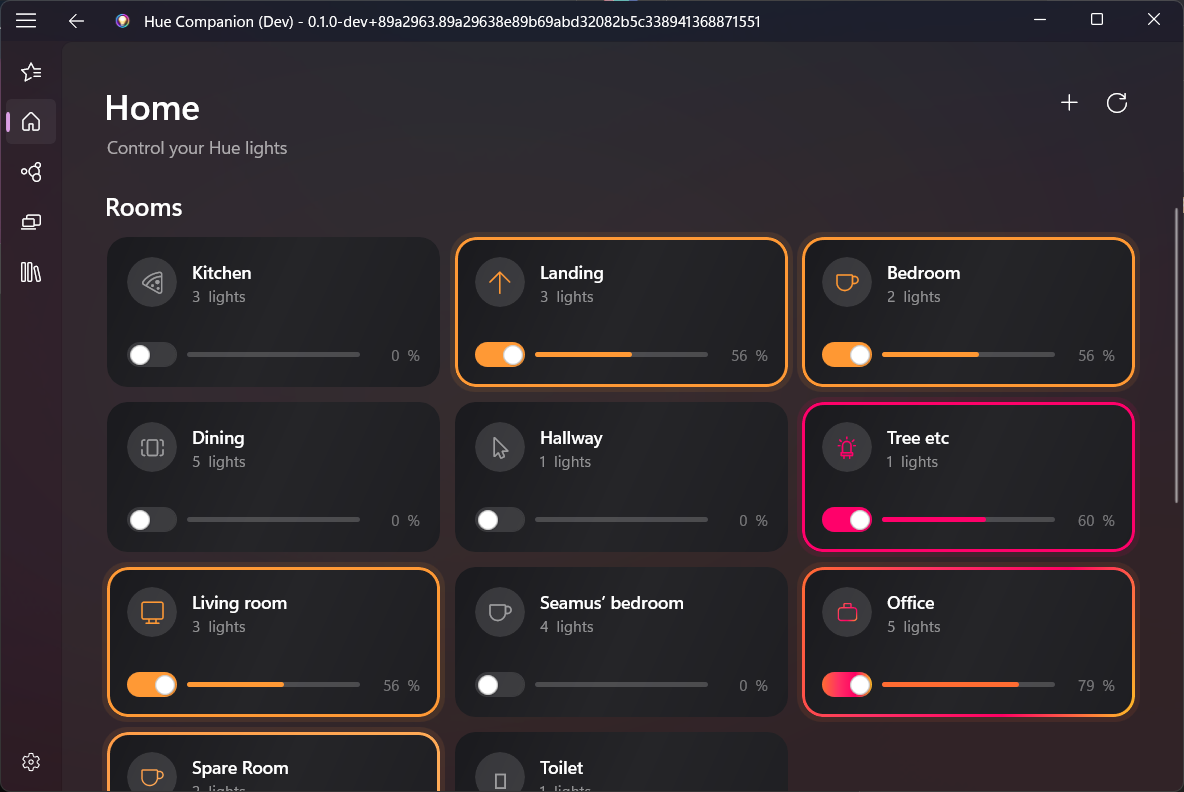
Control individual lights, entire rooms, or custom zones. Brightness, color, and on/off for everything.
Native Hue Effects
Fire, candle, sparkle, prism, underwater, cosmos — all built-in Hue effects with adjustable speed and brightness.
Scene Builder
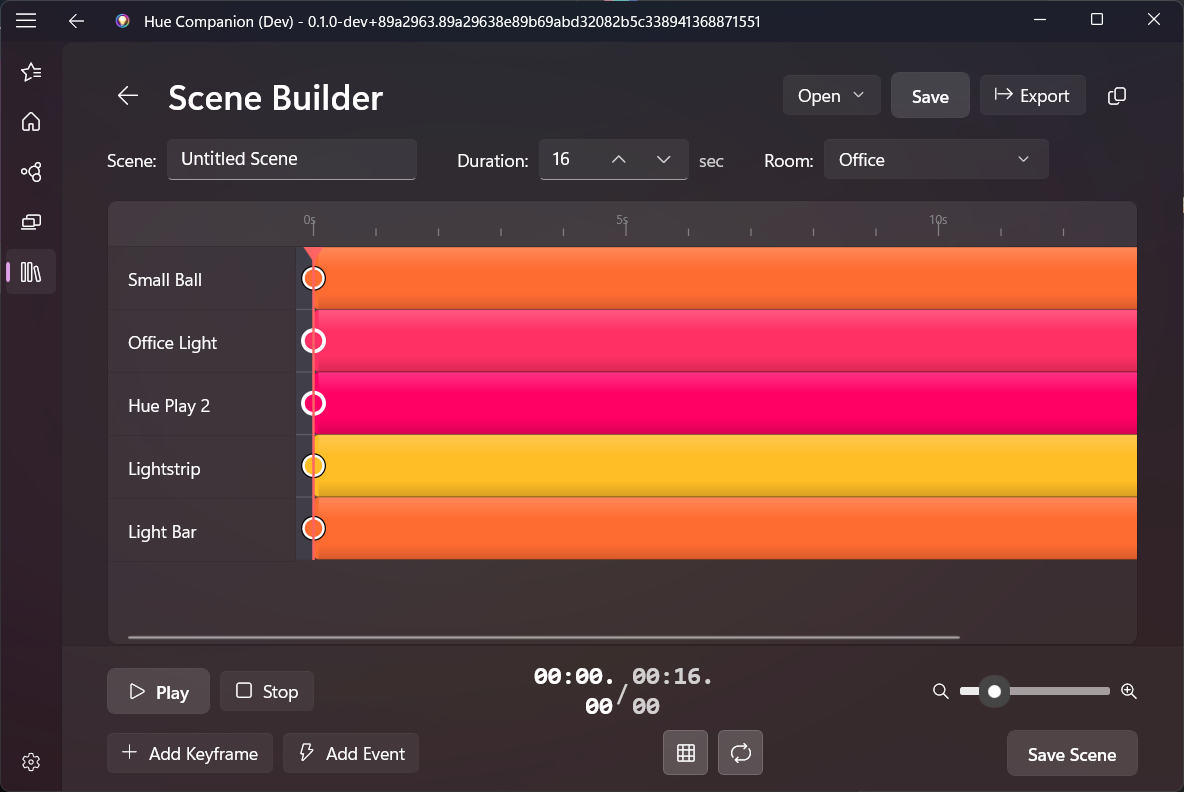
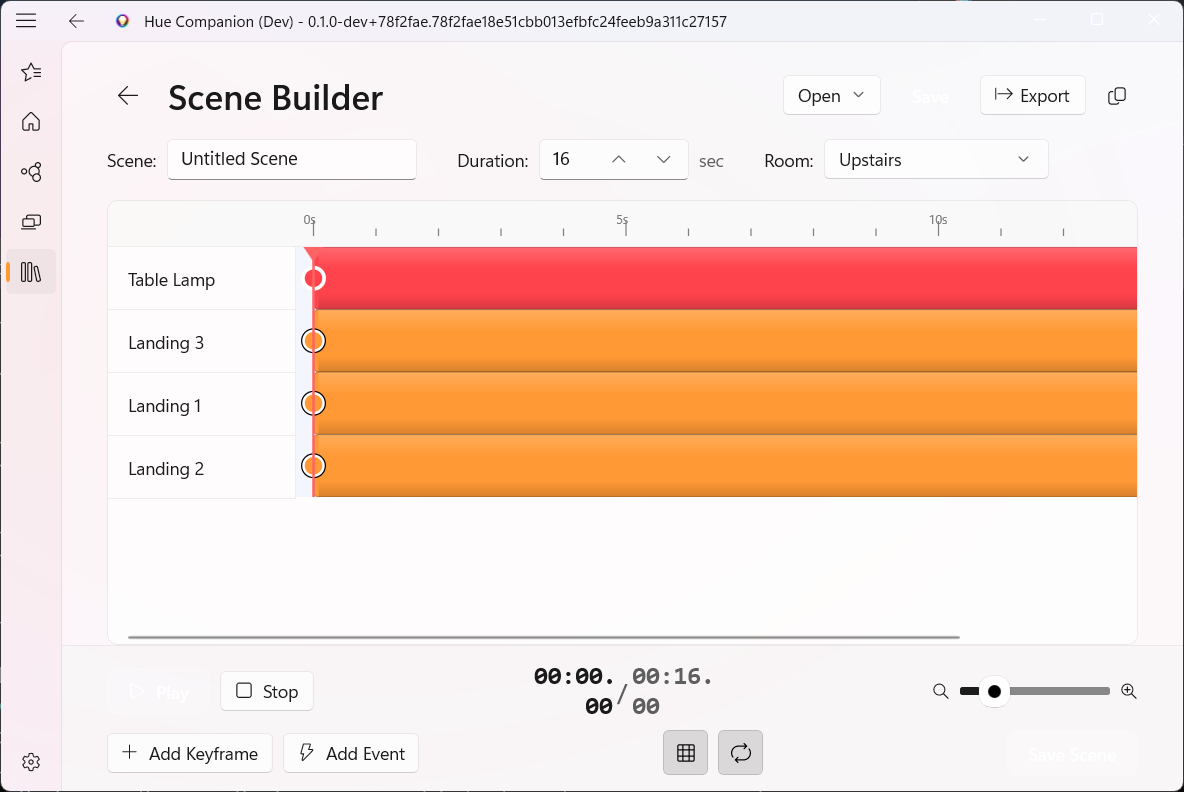
DAW-style timeline editor for creating complex, multi-track animated lighting scenes with keyframes and events.
Custom Dashboard
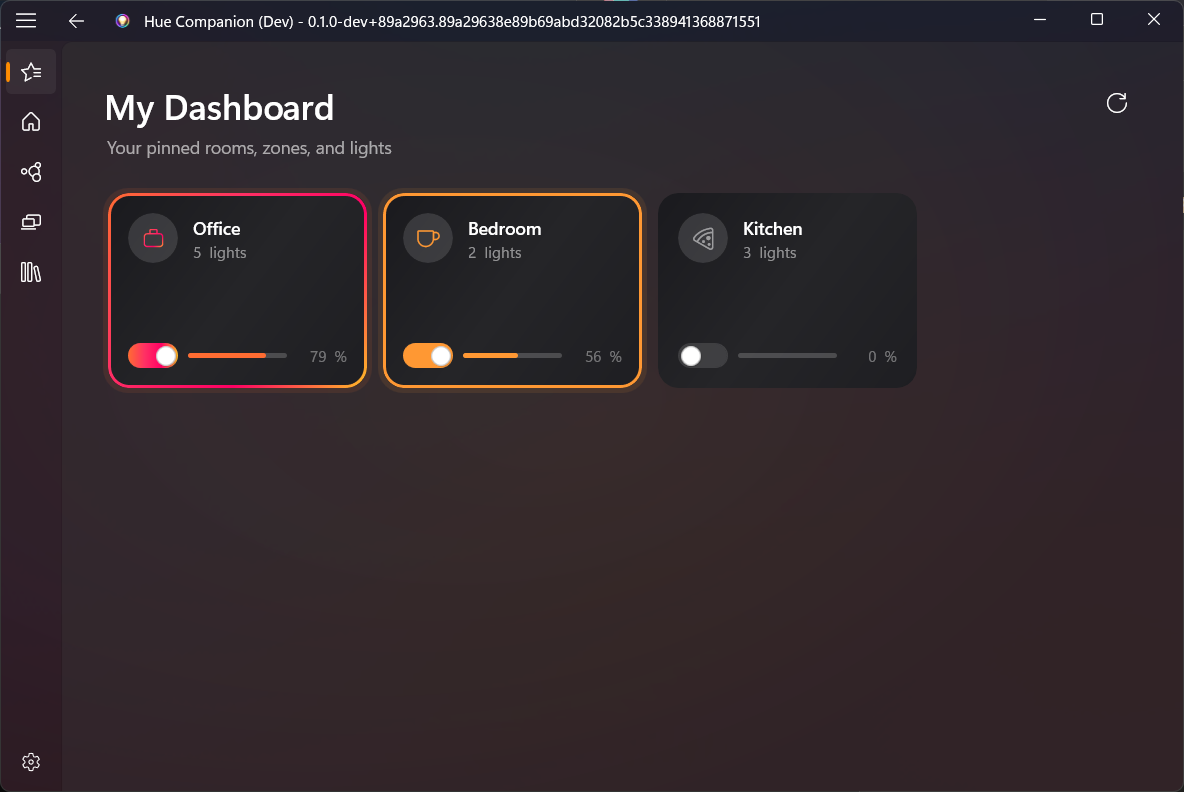
Pin your favorite rooms, zones, and individual lights to a custom dashboard for quick one-tap access.
Global Hotkeys
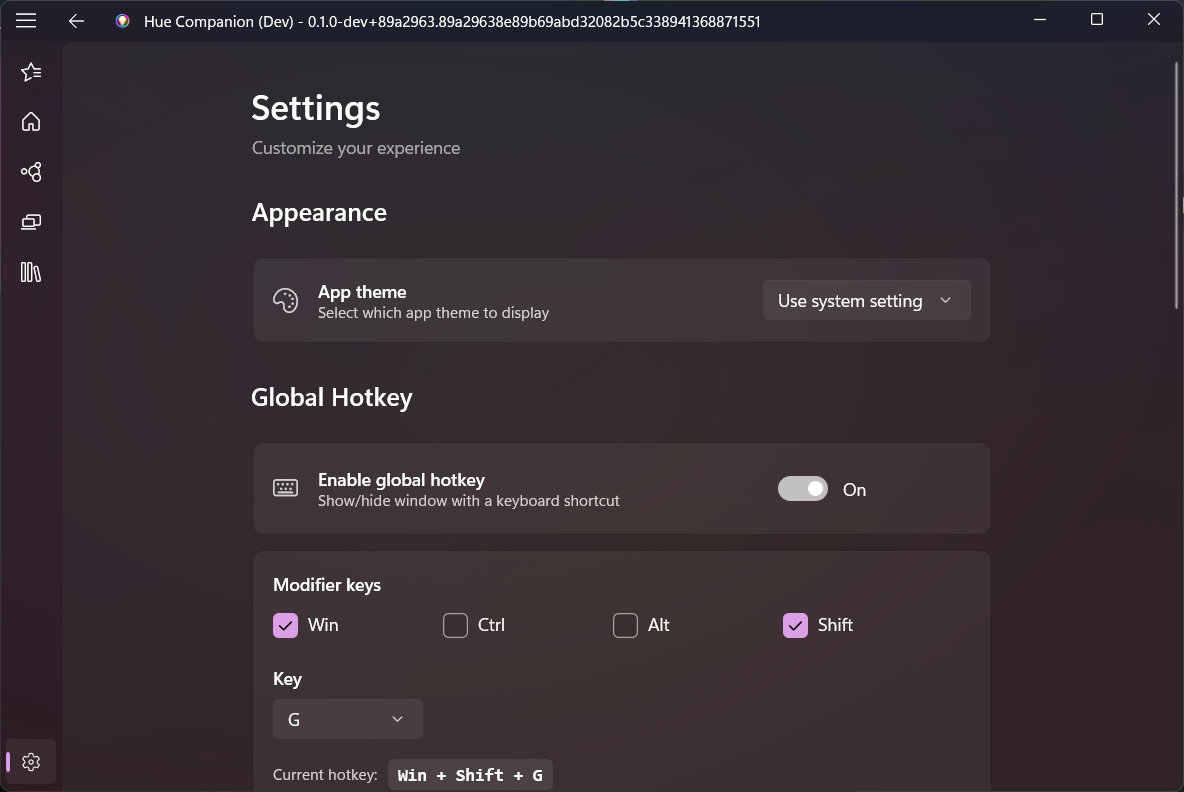
Control your lights from anywhere with system-wide keyboard shortcuts, even when the app is minimized.
System Tray
Minimize to the system tray and launch at startup. Always one click away without cluttering your taskbar.
Multi-Bridge
Connect multiple Hue Bridges simultaneously. All your rooms and zones from every bridge in one app.
AI Integration
Connect to Claude, VS Code Copilot, and other AI assistants via MCP. Control your lights with natural language.
AI-Powered Control
Connect Hue Companion to Claude, VS Code, and other AI assistants via the Model Context Protocol.
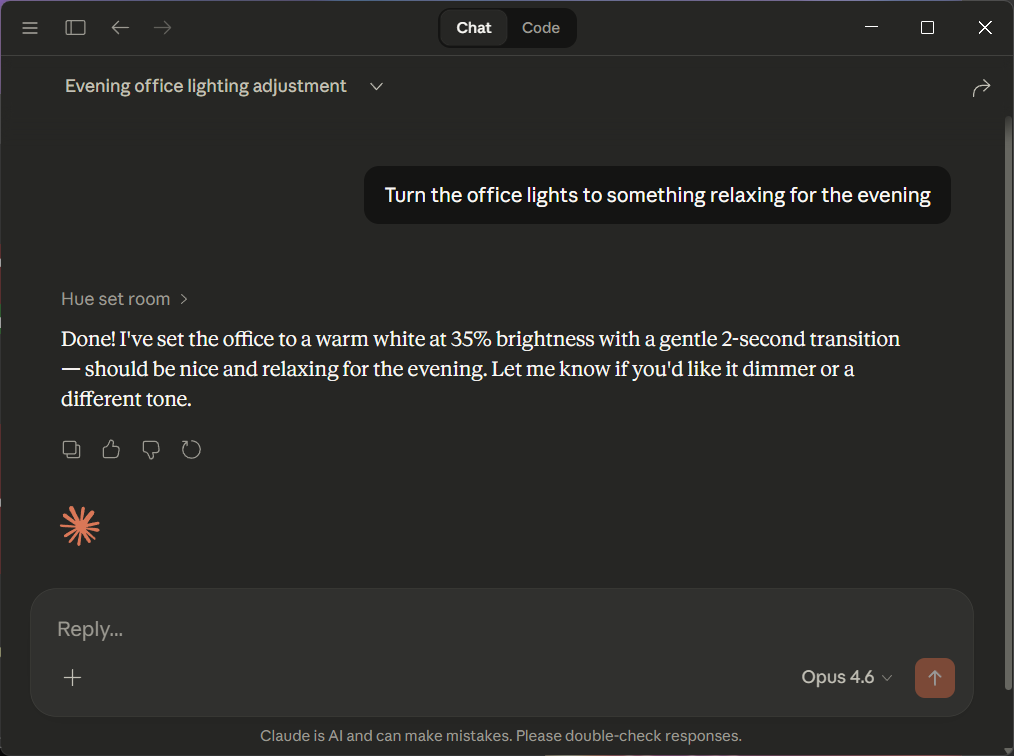
Tell your AI assistant to control your lights using plain English. Hue Companion's built-in MCP server handles the rest.
- Control lights by name — brightness, color, on/off
- Create and activate scenes with natural language
- Build and play animated lighting scenes
Designed for Windows 11.
Every pixel is crafted to look and feel native. Dark and light themes included.